
When someone types your name into Google, the autocomplete suggestions that appear can shape their first impression before they even see a single search result. If those predictions include words like “fraud,” “scam,” or worse, they can damage your reputation immediately and long-term. This guide walks you through how to report inappropriate predictions, what Google will and won’t remove, and what it takes to actually fix the problem long term.
Key Takeaways
- You can report inappropriate predictions directly through the search interface on both desktop and mobile devices, but reporting does not guarantee removal-Google only acts on predictions that violate its specific autocomplete policies or applicable law.
- Google autocomplete predictions are generated from what other users search, not from anything you have done. Predictions reflecting true but negative news about an individual or brand typically will not be removed.
- Clearing your own search history only changes what you see on your devices. Google’s systems and global query data control the public predictions that show up when someone else types your name.
- Fixing harmful autocomplete usually requires reporting policy violations, addressing the underlying content, and building a stronger positive digital footprint over time through a deliberate content strategy.
What Are Google Autocomplete Predictions and Why They Matter for Your Name
Google autocomplete predictions appear as soon as users type in the Google search box on desktop, Chrome’s address bar, or the Google app on mobile devices. These search suggestions are automatically generated based on real searches by other users, trending queries, your location, language preferences, and previous searches tied to a signed-in account.
This matters because autocomplete predictions shape user intent before users even finish a search query. If someone starts typing your name and sees “John Smith fraud” or “Acme Hotels bed bugs,” that suggestion can influence hiring decisions, sales conversations, and public trust, even if they never click through to any search results.
Autocomplete predictions differ from search results in a critical way: predictions appear before you finish typing, guiding which keyword ideas and queries people actually pursue. They act as a first-impression layer above everything else in Google search.
Free Consultation
Ready to Take Control of Your Online Reputation?
Our team can help you remove, suppress, or respond to content like this. Talk to us today for a free, no-obligation consultation.
How Google Autocomplete Works Behind the Scenes
Understanding why bad predictions appear, and why they resist change, requires a look at the mechanics. Google autocomplete suggestions come from a machine-learning system trained on billions of real search queries. Google uses four primary inputs for autocomplete predictions:
- Characters typed so far – the search string you have entered
- Search popularity – how frequently other users complete searches with similar words
- Freshness – Google’s algorithm prioritizes trending queries over historical popularity alone
- Location and language – location and language settings influence autocomplete suggestions, so predictions vary by region
There are two types of predictions: universal predictions (visible in incognito mode or when logged out) and personalized ones (shaped by your past searches in a signed-in account). For reputation purposes, universal predictions matter most because they represent what anyone sees when they begin typing your name.
What was once called Google Suggest evolved into Google Autocomplete, becoming a powerful tool not only for search speed but also for SEO strategy, keyword research, and shaping public perception of people and brands.
What Counts as an “Inappropriate” Prediction Under Google’s Policies
Google’s autocomplete policies are narrower than most people expect. Not every offensive or unflattering prediction qualifies for removal. According to Google’s published policy, the following categories may be removed:
- Violent or gory content – predictions that encourage or glorify violence
- Sexually explicit content – Google removes sexually explicit autocomplete predictions, including inappropriate sexualization of individuals
- Hateful or harassing content – Google removes autocomplete suggestions that incite violence or hatred against protected groups or named individuals
- Personally identifiable information – Google removes autocomplete suggestions containing personally identifiable information such as private addresses or sensitive identifiers
- False factual claims – suggestions making false factual claims about a person, such as fabricated criminal accusations without well-established evidence, may be removed by Google
- Dangerous or criminal behavior – predictions encouraging illegal activity
To determine whether a prediction qualifies, consider whether the output is a factual hallucination or harmful bias rather than a reflection of documented reality. Predictions are judged by Google’s internal policy standards and applicable law in each country. An offensive prediction is not automatically a violation if it is factual and linked to real coverage.
What Google Usually Will NOT Remove From Autocomplete
Many frustrating autocomplete predictions are not removable because they reflect real-world information and aggregated user behavior. Google does not remove accurate negative suggestions based on real events.
Examples of predictions Google typically keeps:
- “Company X lawsuit 2023” when legitimate news reports exist
- References to real legal proceedings involving a public figure
- Public-interest reporting about executives and organizations
- Popular searches driven by genuine search patterns across many users
Predictions based on real searches by other users are not treated as endorsements by Google but as reflections of common queries. Simply disliking a prediction, disagreeing with it, or finding it bad for PR is usually not enough for a policy-based removal. The threshold is policy violation or legal obligation, not personal preference.
Free Consultation
Talk to a Reputation Management Expert
Get a personalized plan to protect and repair your online reputation.
How to Report Inappropriate Predictions on Desktop
This is the core step-by-step process for Google Search and Chrome on a computer.
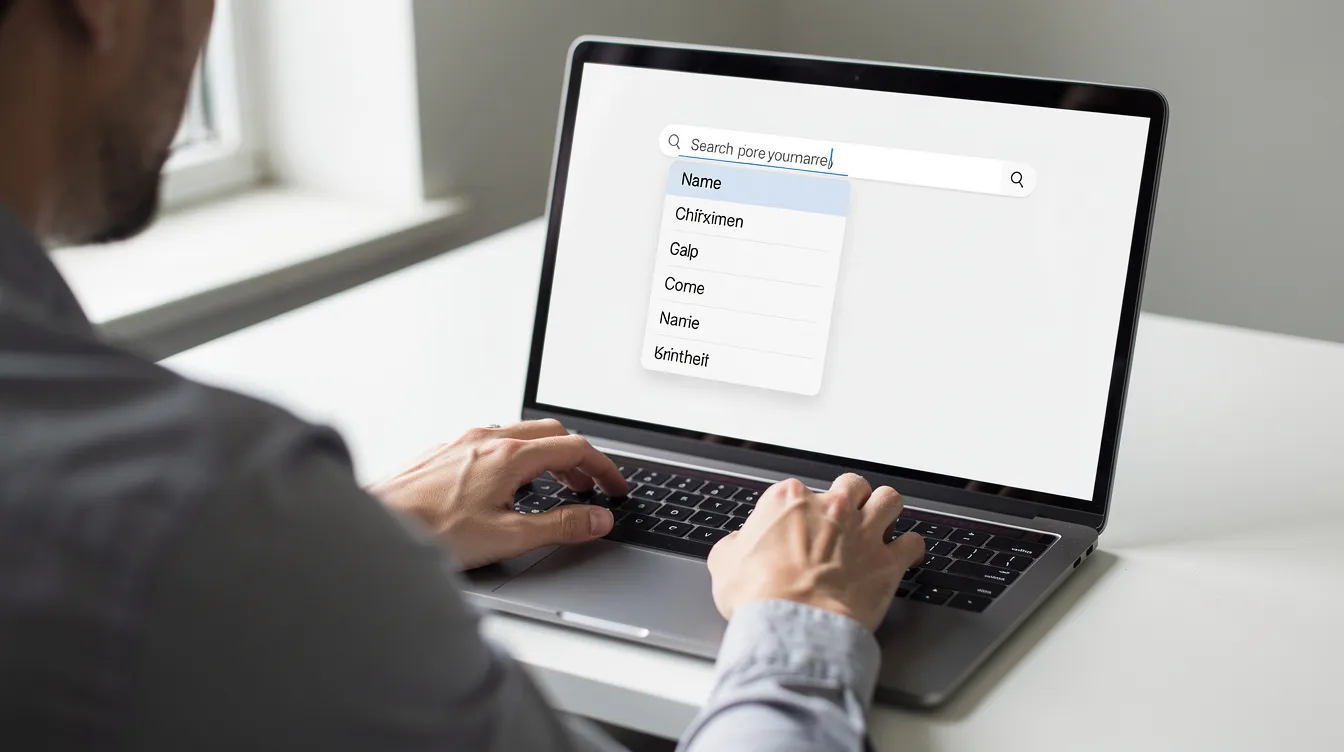
- Open your browser and go to google.com. Sign out of your Google account or open an incognito window so you see universal predictions rather than personalized ones.
- Begin typing your name or brand in the search bar until the problematic Google autocomplete suggestion appears among the dropdown options.
- You can report inappropriate search predictions directly through the search interface. Hover over or focus on the offending prediction, then click the three-dot menu or the “Report inappropriate predictions” link that appears beside it.
- Select the reason that best matches Google’s policy categories-hateful, sexually explicit, dangerous, or misleading about a person. Add a concise explanation in the comment box, such as “false criminal accusation, no charges filed,” and mention relevant jurisdictions if legal proceedings apply.
- Submit the report.
You should document the specific output by taking screenshots. Use screenshots, logs, and prompts to capture the exact prediction-show the browser, date, and full list of autocomplete suggestions. Save the exact prompt and prediction to document and preserve evidence for any future legal or professional reputation work.
How to Report Inappropriate Predictions on Mobile Devices
The reporting process works differently on phones and tablets. Most commercial AI platforms and search tools feature in-app feedback tools to report problems, and Google’s mobile interfaces are no exception.
Android: Launch the Google app or Chrome, then type until the negative prediction appears. Long-press (tap and hold) on that prediction to bring up a menu with “Report inappropriate predictions.” Select the appropriate violation reason and submit.
iPhone and iPad: Open the Google app or Safari with Google as the default search engine. Type until the prediction appears, then swipe left or tap the info icon next to the prediction to reveal the report option. Complete the form with a clear explanation.
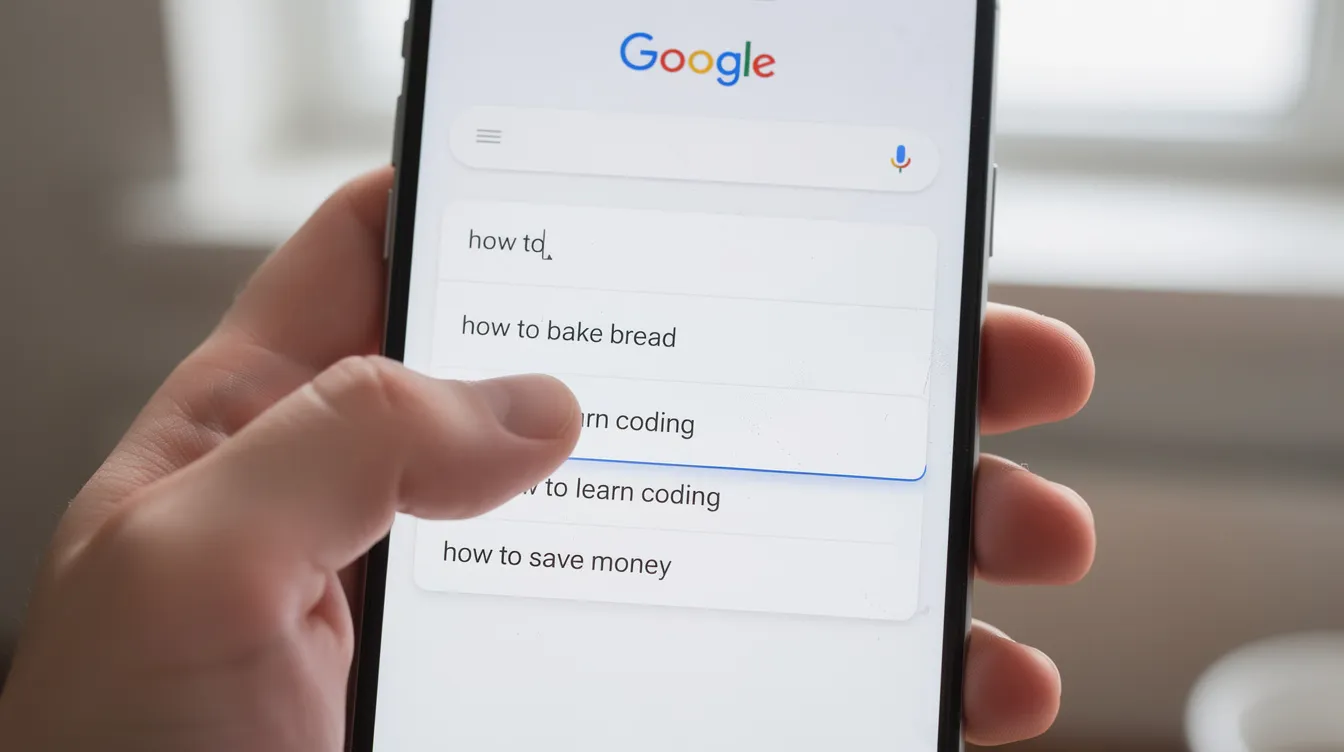
Keep in mind that screen size on mobile devices means fewer autocomplete suggestions are visible-often 4–5 instead of up to 10 on desktop. You may need to test different typing time intervals and character combinations to surface the specific autocomplete predictions you want to report. Repeat the report process if the same offensive prediction appears across multiple contexts (Google app, Chrome omnibox) to provide additional suggestions and signals to Google’s review systems.
What Happens After You Report: Review Process, Timelines, and Limits
After you submit a report, Google feeds it into both automated systems and human review teams. Platforms usually only remove predictions that violate specific rules. If a violation is confirmed, Google often removes not only the exact phrase but closely related query predictions as well. Evaluators request human review, assess potential bias and the prediction’s reliability, and check against policy criteria.
Report incidents according to your organizational structure and vendor setup if you are managing reputation for a company or client. Google’s feedback process typically takes weeks for review. Some clear violations disappear relatively quickly; borderline cases may take several weeks or longer. You generally will not receive a personal email decision-the only visible change is that the prediction disappears or remains.
Even when a prediction is removed, new suggestions can appear later if user behavior and search patterns continue to focus on the same person or brand. Ongoing monitoring is essential and overlaps with broader online PR crisis prevention strategies. If Google decides the prediction does not violate its policies, duplicate reports using the same arguments are unlikely to change the outcome. At that point, more effective action shifts to reputation and content strategy. For severe public harm, you may also escalate concerns to oversight or regulatory bodies.
Free Consultation
Don't Let This Follow You Online
Every situation is different. Let's build a plan that fits yours — free consultation, no pressure.
Clearing Your History vs. Removing Public Predictions
A common source of confusion: clearing your own search history is not the same as removing public predictions. Deleting a single prediction tied to your previous searches-by clicking “Remove” next to a past search or clearing “My Activity” in your Google account-only affects what you see. These actions have zero impact on what other users see when they type your name.
Online reputation problems come from universal autocomplete suggestions that appear in incognito mode or for signed-out users. Google controls those entirely through its systems and policies. Disabling autocomplete in your browser or turning off search suggestions in your account settings only hides predictions from your personal view; it doesn’t solve the underlying problem.
Why Reporting Alone Often Isn’t Enough: How Predictions Change Over Time
Autocomplete predictions are driven by sustained search behavior and indexed content. A one-time report rarely solves deeply rooted problems. Negative autocomplete suggestions can persist for months or years, especially when many other users keep searching a name with harmful modifiers like “scam” or “lawsuit.”
Autocomplete predictions can persist for months after news events, fed by widely read articles, forum posts, or social media activity using those phrases. Predictions fade when fewer people search the negative phrases, when underlying web pages are removed or de-indexed, or when new, more common and trending ones associated with the same name take over.
Removing underlying content can reduce negative autocomplete suggestions over time. A structured approach helps mitigate harm and correct the underlying flaw rather than just treating the symptom, and it fits within broader personal reputation crisis management when autocomplete issues are part of a larger online backlash.
Warning: Do not attempt manipulation tactics such as automated searching, hiring click farms, or using scripts to spam new autocomplete searches. These violate Google’s terms and can backfire by strengthening negative associations or triggering anti-abuse systems.
Long-Term Strategies to Protect Your Name or Brand in Autocomplete
Beyond filing reports, here is a practical roadmap to improve how your name appears in Google autocomplete suggestions; it complements other resources on online reputation and privacy protection:
- Create authoritative positive content. Publish professional bios, thought-leadership articles, press releases about verifiable accomplishments, and maintain well-optimized social profiles with consistent naming as part of a broader plan to protect and shape your online reputation. Building positive search volume can improve online reputation over time.
- Use autocomplete as a keyword research tool. Collect long-tail autocomplete ideas that pair your name with neutral or positive search terms-for example, “Jane Doe CPA” or “Acme Logistics reviews”-and build website content that naturally uses those phrases, as part of broader proactive online reputation management. This is a cost-effective way to guide users toward the associations you want.
- Monitor regularly. Check autocomplete predictions in incognito mode from multiple locations to track changes and catch new negative suggestions before they become entrenched, ideally as part of a structured online reputation protection checklist. Different suggestions may appear depending on location and language.
- Know when to get help. Consider professional online reputation management when predictions involve serious accusations, affect executive careers, or tie to high-profile crises that will not fade quickly, and use expert guidance to monitor your online reputation over time.
Free Consultation
Ready to Take Control of Your Online Reputation?
Our team can help you remove, suppress, or respond to content like this. Talk to us today for a free, no-obligation consultation.
Using Google Properties and Ethical ORM Tactics
Google’s platforms send strong identity signals that shape search results and autocomplete predictions over time. Claim and fully optimize Google Business Profiles, YouTube channels, and other Google properties with accurate names, categories, and descriptions matching the reputation you want, including careful management of Google Business Profile ownership and access as part of a broader effort to improve what appears when people Google your name.
Authentic, positive engagement, legitimate reviews, press coverage, and content that earns natural backlinks support healthier autocomplete associations better than any shortcut. Use moderation filters to prevent inappropriate predictions on platforms you control, and follow best practices to clean up and strengthen your online reputation. Limit access to sensitive information and avoid publicly sharing identifiable details that could fuel negative search patterns.
Avoid unethical ORM tactics like fake reviews, fabricated news articles, or mass-created low-quality websites. These approaches violate platform rules, invite penalties, and damage long-term credibility if exposed. The right approach prioritizes legal, transparent strategies that work with how autocomplete works, rather than trying to trick Google’s systems.

FAQ
Can I force Google to delete a specific autocomplete prediction about my name?
No user, business, or agency can force Google to remove a prediction. Google only removes autocomplete predictions that violate its specific policies or local laws, and decisions are ultimately Google’s alone. Accurate but unflattering predictions, for example, those based on real news reports, usually don’t qualify for removal, so the focus should shift to content strategy and timing rather than guaranteed deletion.
How long does it take for a reported prediction to disappear?
There is no fixed timeline. Some clear policy violations can disappear relatively quickly once reviewed, while borderline or complex cases may take weeks or longer. Some predictions never come down if Google finds no violation. Document the date you reported the prediction and recheck periodically in incognito mode to monitor changes.
Does searching my own name with positive phrases help change autocomplete?
A small number of searches from one person or a few colleagues has almost no impact on autocomplete predictions, which are driven by large-scale behavior across many users. Instead, focus on publishing real content that leads many different people to search for or click on positive combinations of your name and relevant professional terms over time.
What if the prediction is based on a wrong or outdated article?
The most effective approach is to address the underlying content first and, where appropriate, seek corrections, removals, or legal remedies. When negative pages are corrected, taken down, or de-indexed, search interest around harmful phrases often declines, which can reduce or replace those autocomplete predictions over time.
Do data protection laws create any differences for people in the EU or UK?
EU residents can request removal of autocomplete suggestions under GDPR Article 17 (“right to erasure”), which can sometimes include autocomplete predictions containing personal data. Outcomes depend heavily on jurisdiction, the nature of the data, and the specifics of the case. Anyone considering this route should consult qualified legal counsel familiar with local law and Google’s regional removal processes. The Duffy v. Google case in Australia and the Bettina Wulff case in Germany show that national courts can impose autocomplete obligations on Google, but legal standards vary significantly across jurisdictions.
Free Consultation
Don't Let This Follow You Online
Every situation is different. Let's build a plan that fits yours — free consultation, no pressure.
You might also like
Wikidata vs Wikipedia: What Really Matters for Your Online Reputation
A career portfolio is a curated collection of work samples, credentials, and project documentation that proves what your resume claims. …
